Unlock the secrets to becoming a successful Roblox UGC creator. This comprehensive guide navigates you through every essential step of making user-generated content for the Roblox platform. Discover how to transform your creative ideas into popular in-game items, from conceptualization and 3D modeling to texturing, uploading, and understanding the moderation process. Learn about the necessary tools, membership requirements, and best practices to ensure your items stand out in the vibrant Roblox marketplace. Whether you are aiming to earn Robux or simply express your artistic flair, this resource provides actionable insights and practical advice for both aspiring and experienced creators. Dive into the world of virtual fashion and accessories, mastering the skills needed to captivate millions of players and contribute to one of the largest online gaming communities. Get ready to elevate your creative journey and leave your mark on the metaverse.
How do I start making UGC items on Roblox?
To begin making User Generated Content for Roblox, first, you need to develop strong 3D modeling skills, typically using software like Blender. Focus on mastering mesh creation, UV mapping, and essential texturing techniques. Once proficient and able to create high-quality, Roblox-compliant assets, you’ll need to apply to and join the official Roblox UGC program. Many successful creators start by practicing with simpler items like accessories, thoroughly familiarizing themselves with Roblox's technical specifications and unique art style to ensure their work meets platform standards.
What software is best for Roblox UGC 3D modeling?
For 3D modeling Roblox UGC items, Blender stands out as the best choice for many creators. It's free, open-source, and incredibly powerful, offering a full suite of tools for sculpting, mesh creation, UV unwrapping, and even basic texturing. Its vast community provides abundant tutorials, making it accessible even for busy adults balancing gaming with life. While professional alternatives like Autodesk Maya or 3ds Max exist, Blender's zero cost and robust features make it ideal for anyone looking to efficiently learn and create high-quality models for Roblox, ensuring compatibility via FBX exports.
Can I really earn money making UGC items on Roblox?
Absolutely, you can genuinely earn money by creating and selling UGC items on Roblox. Once your item is approved and made available in the Avatar Shop, players purchase it using Robux. Roblox takes a percentage of these sales, and the remainder is credited to your creator account, which can then be converted into real-world currency. Many dedicated UGC creators generate significant income, treating it as a part-time job or even a full-time venture. Success depends on the quality of your items, market demand, and effective promotion, making it a viable way for gamers to monetize their creative skills.
What are the polygon limits for Roblox UGC assets?
Roblox enforces recommended polygon limits for UGC assets to ensure optimal performance across its diverse user base, especially considering the prevalence of mobile gaming. While specific numbers can vary, accessory items typically should aim for a polygon count in the low thousands (e.g., under 4,000-5,000 triangles). Exceeding these limits can lead to lag, poor user experience on lower-end devices, and potential rejection during moderation. Prioritizing efficiency and optimization in your 3D models is critical for ensuring broad accessibility and approval on the platform.
How do I get my UGC items approved on Roblox?
To get your UGC items approved on Roblox, you must strictly adhere to all of Roblox's policies and technical requirements. This includes creating original content free from copyright infringement, ensuring it meets community standards (no inappropriate material), and satisfying performance guidelines like acceptable polygon counts and optimized textures. Your item must also align with Roblox's general art style and be correctly configured in Roblox Studio with appropriate attachment points and naming conventions. Thoroughly test your item in Studio before submission, and be prepared to make revisions based on any feedback from the moderation team.
What is the average timeline from creation to selling a UGC item?
The timeline from concept to selling a UGC item on Roblox varies considerably based on your skill level and the complexity of the item. For experienced creators, modeling and texturing a moderately complex item might take a few hours to several days, while beginners could spend weeks. The subsequent submission and moderation process usually takes anywhere from a few days to over a week, depending on queue volumes. Therefore, a complete cycle could range from one week to a month or more, especially if revisions are needed. Efficient workflow and prior planning can help streamline this process.
Are there any specific art style guidelines for Roblox UGC?
Yes, Roblox maintains a distinct art style that UGC creators should generally aim to complement. It's often described as stylized, clean, and somewhat blocky or cartoony, though it allows for a range of imaginative designs. The key is that items should feel native to the Roblox metaverse, enhancing rather than clashing with the existing avatar aesthetics. While there's room for personal artistic expression, avoid overly realistic textures or extremely complex designs that might break immersion or cause performance issues. Studying popular items in the Avatar Shop provides excellent visual guidance for maintaining this cohesive look.
Gaming isn't just a pastime anymore; for many adults, especially those around 36 years old who balance jobs, families, and life's demands, it's a vital outlet for relaxation, fun, and connecting with friends. For this demographic, which represents about 60% of all gamers in the US, finding meaningful ways to engage with their passion without sacrificing their responsibilities is key. If you've ever played Roblox, you've seen the incredible variety of user-generated content, from unique outfits to fantastical accessories. What if you could be the one creating those items, turning your imaginative ideas into something millions of players adore and even earning from it? This isn't just a pipe dream; it's the reality of the Roblox User-Generated Content (UGC) program.
The idea of making a UGC item on Roblox might sound complex, like venturing into a new career path, especially when you have limited time. However, with the right guidance, it's a skill-building journey that can be incredibly rewarding. Picture this: you're unwinding after a long day, not just playing a game, but actively contributing to its evolving world. You're leveraging your creativity to build something tangible within a platform where 87% of US gamers regularly engage, often spending 10+ hours a week. This guide is designed to demystify the process, offering practical, actionable advice to help you navigate the world of Roblox UGC creation. We'll tackle common concerns like choosing the right software, understanding technical requirements, and balancing your creative ambitions with your real-world schedule, ensuring you can truly make your mark on the metaverse.
What Exactly is Roblox UGC and Why Should You Care as a Gamer?
Roblox User-Generated Content (UGC) encompasses all the fantastic virtual items that players, just like you, create for the platform's Avatar Shop. We're talking about hats, eyewear, shoulder pets, back accessories, and even entire clothing ensembles. Unlike traditional game assets developed solely by a company, UGC empowers the community to shape the aesthetic and offerings of the Roblox metaverse. For the busy adult gamer, this is more than just a creative hobby; it's a significant opportunity for active participation, skill-building, and potential monetization. Imagine seeing thousands, or even millions, of players donning an item you designed – it’s a unique form of social play and recognition.
Why should you care? Beyond the inherent satisfaction of creation, the UGC program allows creators to earn Robux from the sales of their items. These Robux can then be converted into real-world currency, offering a tangible return on your creative investment. In a gaming landscape increasingly focused on player economies and creator content, contributing to Roblox UGC aligns perfectly with current trends. It provides a unique avenue for skill-building in 3D design and digital art, all while engaging with a massive, active community. For those who enjoy staying current with gaming trends but avoid excessive hype, this program offers a practical, value-driven way to immerse yourself in one of the most dynamic aspects of the gaming world, making your leisure time incredibly productive and fulfilling.
Who Can Become a Roblox UGC Creator and What's the Process?
Becoming a Roblox UGC creator has evolved significantly. While it was once an exclusive, invite-only program, Roblox has expanded access, allowing more talented individuals to apply and contribute. Generally, prospective creators need to demonstrate a high level of proficiency in 3D modeling and texturing, coupled with a deep understanding of Roblox's art style, technical specifications, and community guidelines. This isn't just about making something cool; it's about making something compliant and high-quality.
The application process typically involves submitting a portfolio of your 3D work, often including examples specifically tailored to the Roblox aesthetic. Roblox is looking for creators who can consistently produce original, appealing, and performant content. They also value active participation in the Roblox developer community, suggesting commitment and understanding of the platform's ecosystem. If you've been honing your 3D skills in your spare time, perhaps for personal projects or other creative endeavors, this is an excellent opportunity to channel that expertise into a vibrant, rewarding platform. It's a chance to build valuable creative skills that are transferable beyond Roblox, empowering you to grow as a digital artist while contributing to a massive player base.
What Essential Tools Do You Need to Make a UGC Item?
Embarking on your Roblox UGC creation journey requires a specific toolkit, primarily focusing on 3D modeling and texturing software. The cornerstone for most creators is Blender, a robust, free, and open-source 3D creation suite. Blender offers comprehensive tools for modeling, sculpting, UV unwrapping, and even basic texturing. Its extensive community and countless free tutorials make it incredibly accessible, even if you're new to 3D art and juggling a busy schedule. Learning Blender is a fantastic skill investment, opening doors to various creative fields.
For more advanced texturing, especially using Physically Based Rendering (PBR) workflows, professional software like Substance Painter is highly recommended. While it's a paid tool, it offers unparalleled control over material properties and details. Alternatively, Adobe Photoshop or GIMP can be used for creating and manipulating 2D texture maps. Finally, and crucially, you'll need Roblox Studio. This is where your external 3D models and textures come together. In Studio, you'll import your assets, apply materials, configure item properties (like attachment points and collision bounds), and prepare them for submission. Mastering these tools might seem like a significant setup challenge, a common pain point for busy gamers, but the effort pays off in the quality and appeal of your creations.
How Do You Design and Model Your First UGC Item from Concept to Mesh?
The journey from an idea to a tangible 3D model is where your creativity truly shines. Start with a solid concept. Research current popular items in the Roblox Avatar Shop, observe trends in social and cozy games, and identify gaps in the marketplace. Think about what players would genuinely want to wear or use. Once you have an idea, begin the 3D modeling process in your chosen software, like Blender. Focus on creating a clean, low-polygon mesh. Roblox is played on a vast array of devices, including older PCs and mobile phones, so optimizing your mesh for performance is paramount. A general guideline is to keep accessories under a few thousand polygons (triangles) to ensure smooth gameplay for everyone.
As you model, pay close attention to the scale and proportions relative to a Roblox avatar. A hat that’s too big or too small will look awkward. After modeling the basic shape, you’ll perform UV unwrapping. This crucial step is like flattening your 3D object's surface into a 2D map, which is where your textures will be painted. Proper UV unwrapping prevents texture distortion and makes the texturing process much smoother. Take your time during these foundational steps; a well-modeled and UV-unwrapped item is the bedrock of a successful UGC asset. This is where you really build the core of your item, making sure it’s ready for the intricate details that come next.
What are the Specific Texturing and Material Requirements for Roblox UGC?
Texturing is where your 3D model truly comes alive, gaining color, material properties, and fine details. Roblox leverages a Physically Based Rendering (PBR) workflow, which means you'll typically work with several specific texture maps to accurately represent surfaces. These maps usually include:
- Albedo (or Color) Map: This is the base color of your item, without any lighting information.
- Normal Map: This map simulates surface bumps, grooves, and details without adding extra geometry, making your low-poly model appear high-detail.
- Roughness Map: This controls how shiny or matte a surface appears. A value of 0 is perfectly smooth and reflective, while 1 is completely rough and diffuse.
- Metallic Map: This determines if a material is metallic (value of 1) or non-metallic (value of 0, known as a dielectric).
- Ambient Occlusion (AO) Map: While often baked into the Albedo, a separate AO map can enhance realistic shading in crevices.
Ensure your textures are high-quality but also optimized for size. Roblox has recommended texture resolutions (e.g., 256x256, 512x512, 1024x1024 pixels) to balance visual fidelity with performance, especially important given the platform's mobile dominance. All textures should be in common image formats like PNG or TGA. Correctly applying these maps in Roblox Studio will ensure your item looks exactly as intended, providing a visually appealing asset for players.
How Do You Upload and Configure Your Item in Roblox Studio for Submission?
With your model and textures perfected, the next stage is bringing everything into Roblox Studio. This is where your item transitions from a raw asset to a fully functional in-game object. First, you'll export your 3D model from Blender (or other software) as an FBX file, ensuring all necessary mesh and UV data are included. In Roblox Studio, you'll then import this FBX file, which will typically create a MeshPart. Next, apply your various texture maps (Albedo, Normal, Roughness, Metallic) to the appropriate properties of the MeshPart in Studio’s Properties window. Double-check that they align correctly and that the item's surface appears as you designed it.
Configuration is critical. You'll need to specify the item's type (e.g., Accessory, Hat, Hair), its attachment point (e.g., 'Head', 'RightArm', 'Waist'), and adjust its position and orientation to sit perfectly on a standard Roblox avatar. Testing is paramount here; equip your item on various R15 and R6 avatar types and test different animations to ensure there are no clipping issues or strange deformations. You'll also set other properties like collision fidelity and part material. Give your item a clear, descriptive name and add relevant tags for discoverability in the Avatar Shop. This meticulous configuration ensures your item is ready for players and can pass the rigorous moderation checks.
What Can You Expect from the Roblox UGC Moderation and Approval Process?
After all your hard work in modeling, texturing, and configuring, your UGC item enters the Roblox moderation queue. This step is vital for maintaining a safe, high-quality, and consistent experience across the platform. Moderators meticulously review each submission to ensure it adheres to Roblox's strict Community Standards and technical requirements. They look for several key factors:
- Appropriateness: No offensive, sexually explicit, or otherwise inappropriate content.
- Copyright Infringement: Absolute originality is key; no unauthorized use of intellectual property.
- Technical Compliance: Adherence to polygon limits, texture guidelines, and proper functionality within the Roblox engine.
- Art Style Consistency: While creative freedom is encouraged, items should generally fit the Roblox aesthetic and not be visually disruptive.
The moderation process can take time, ranging from a few days to over a week, depending on the current volume of submissions and the complexity of your item. Patience is essential. If your item is rejected, Roblox typically provides specific feedback on the reasons, allowing you to make the necessary adjustments and resubmit. Don't get discouraged by a rejection; view it as an opportunity to refine your skills and improve your design, ensuring your next submission is flawless. This iterative process is part of becoming a successful and responsible creator within the Roblox ecosystem.
How Can You Effectively Monetize Your Roblox UGC Items and Drive Sales?
Monetization is a primary motivator for many creators, transforming their passion into a tangible income stream. Once your UGC item successfully passes moderation and is approved, you gain the ability to set a price for it in Robux and list it on the Roblox Avatar Shop. Roblox handles the transaction, taking a percentage of the sale, with the remainder credited to your account. To maximize your earnings, consider a multi-faceted approach to sales and promotion.
First, think strategically about pricing. Research similar items in the marketplace; pricing too high might deter buyers, while pricing too low could undervalue your effort. Second, promotion is crucial. Leverage social media platforms (Twitter, Instagram, TikTok) to showcase your items, engage with your audience, and build anticipation. Participate in Roblox community forums and Discord servers. Many creators also collaborate with popular Roblox experiences or influencers to broaden their reach. Third, stay attuned to current trends within Roblox. Are social games or specific avatar aesthetics currently popular? Designing items that align with these trends can significantly boost sales. Consistent creation of high-quality, desirable items builds your reputation and a loyal customer base, turning your creative hobby into a genuinely rewarding and potentially lucrative venture.
Embarking on the journey of how to make a UGC item on Roblox is a truly empowering experience that blends artistic creativity, technical skill development, and active community engagement. We've explored everything from the essential tools and design principles to the intricacies of texturing, uploading, moderation, and ultimately, monetization. Remember, the key to success in the vibrant and ever-evolving Roblox marketplace lies in consistency, quality, and a willingness to learn and adapt. Don't be afraid to experiment with new ideas, embrace feedback from players, and continuously refine your craft. The vast, imaginative world of Roblox is waiting for your unique contributions, ready for you to leave your indelible mark!
What's your biggest gaming challenge when it comes to creating content for platforms like Roblox? Share your thoughts and questions in the comments below!
**FAQ Section**
Q: Do I need Roblox Premium to create UGC?
A: While a Premium subscription isn't strictly required for creating the 3D assets, you typically need to be an approved member of the UGC program to publish and monetize items. The program has specific eligibility criteria that go beyond just having a Premium membership, focusing more on demonstrated skill and content quality.
Q: What are the most common reasons for a UGC item being rejected by moderation?
A: Common rejection reasons include copyright infringement (using intellectual property you don't own), inappropriate content, technical issues like excessively high polygon counts or incorrect texture maps, not adhering to Roblox's general art style, or poor optimization that causes performance problems. Always review Roblox's specific guidelines thoroughly before submission.
Q: Can I collaborate with other creators on Roblox UGC items?
A: Yes, collaboration is highly common and often encouraged within the Roblox creator community! Many creators team up, combining their strengths in modeling, texturing, or conceptual design. Just ensure you have clear agreements in place regarding responsibilities, credit, and especially revenue sharing before starting a collaborative project.
Q: How long does it typically take for a submitted UGC item to get approved?
A: Approval times for UGC items can vary significantly. It generally ranges from a few days to over a week, depending on the current volume of submissions, the complexity of your item, and the moderation queue workload. It's always a good practice to submit your items well in advance of any planned release dates to account for potential delays or revisions.
Q: Are there strict polygon limits I must follow for UGC accessories?
A: Yes, Roblox provides recommended polygon limits for UGC items to ensure optimal performance across all user devices, including lower-end and mobile platforms. While exact numbers can fluctuate with updates, accessory items should generally aim for a few thousand triangles (e.g., under 4,000-5,000 tris). Overly complex meshes can lead to performance issues and potential rejection.
Q: Where can I find reliable resources and tutorials to learn Roblox UGC creation?
A: The official Roblox Creator Documentation is your primary and most authoritative resource, offering comprehensive guides and specifications. Beyond that, YouTube channels dedicated to Roblox development, community forums, and Discord servers focused on 3D art and Roblox creation are excellent places to find tutorials, support, and connect with experienced creators.
Roblox UGC Creation Guide Step by Step 3D Modeling for Roblox Texturing UGC Items Uploading Roblox Assets Monetizing UGC on Roblox Roblox Creator Requirements UGC Moderation Process Roblox Avatar Items Design Tips Roblox Marketplace Trends
34
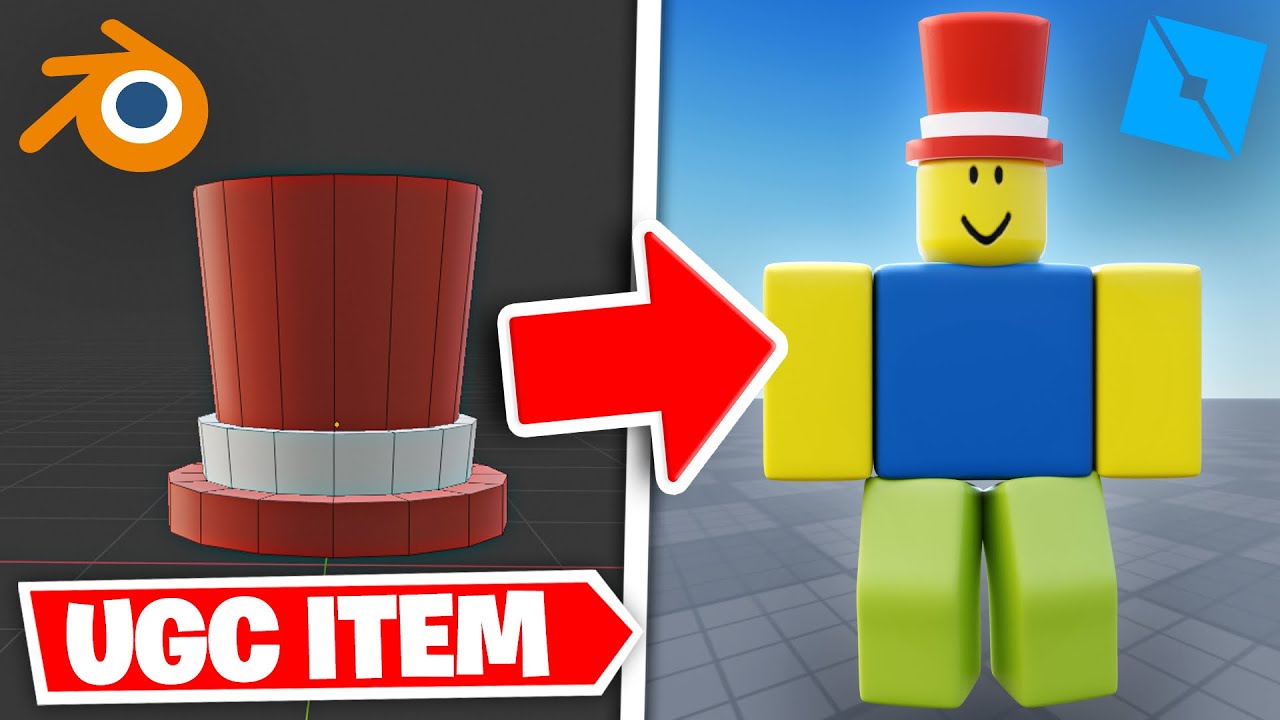
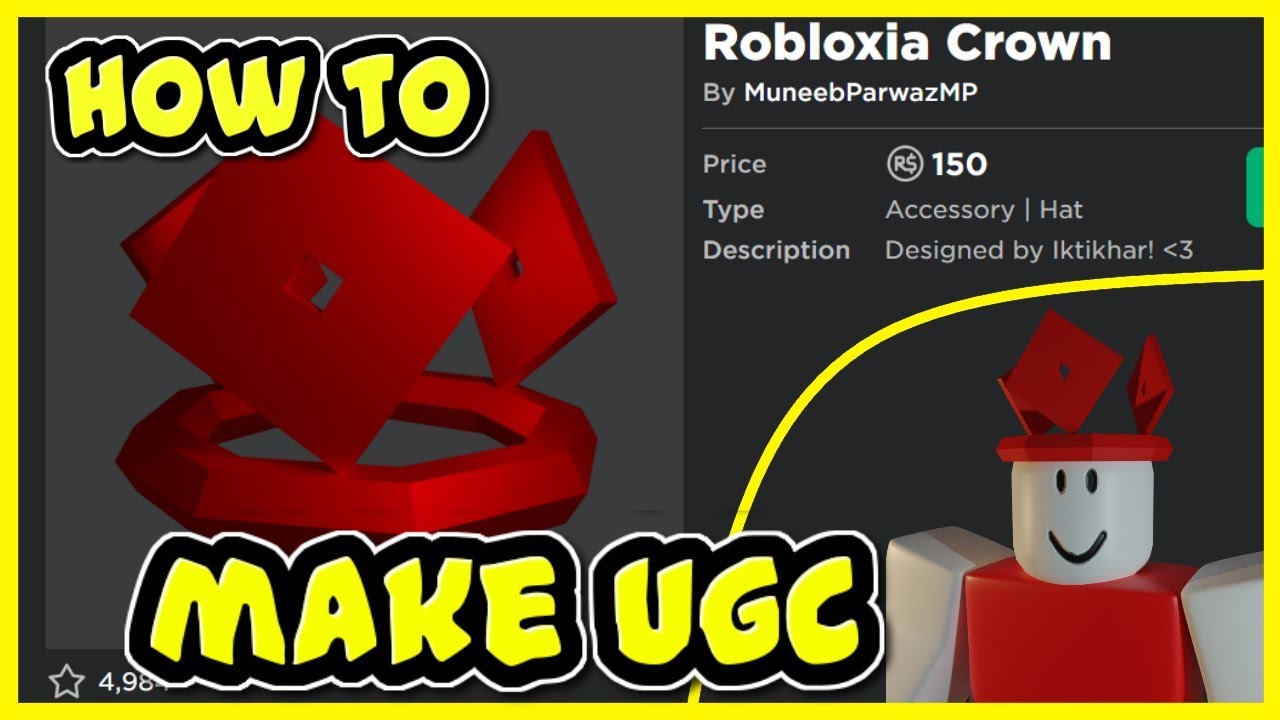
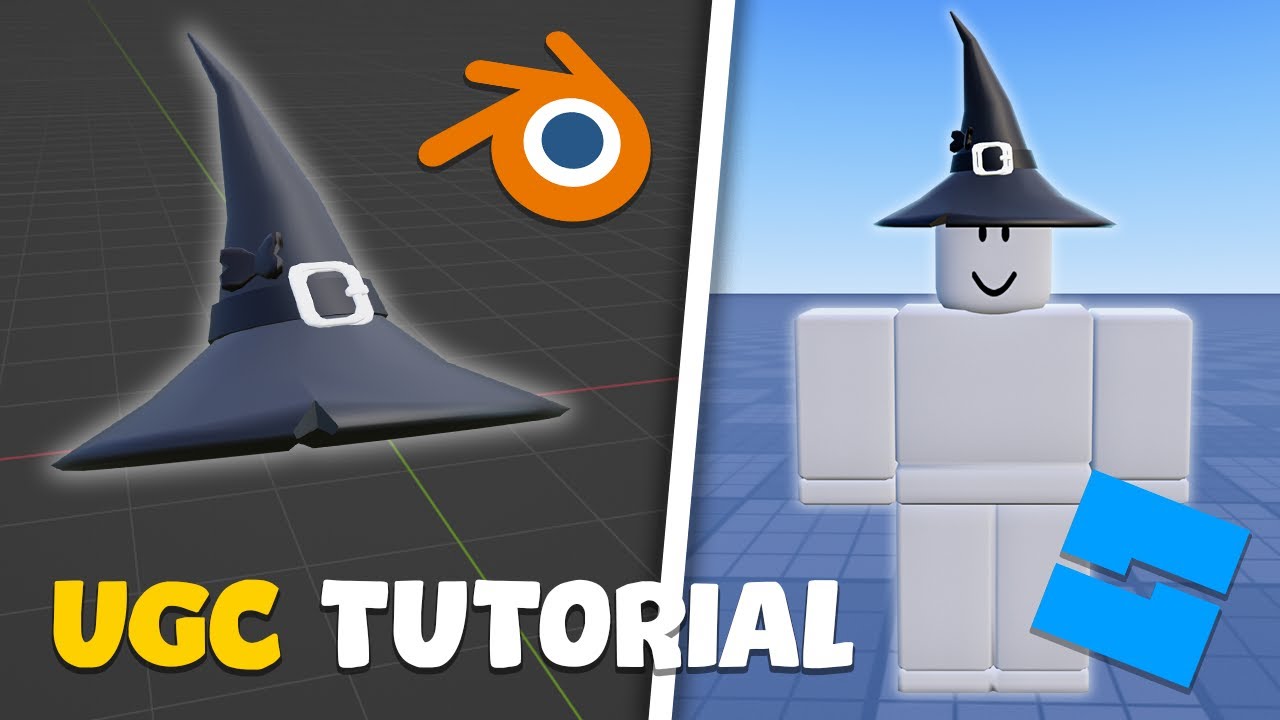

How To Make UGC Items In Roblox FULL PROCESS YouTube . How To Make A Roblox UGC Item Beginner Tutorial YouTube . HOW TO MAKE YOUR OWN ROBLOX UGC HAT ROBLOX UGC TUTORIAL YouTube . How To Make A Roblox UGC Item For Beginners YouTube . How To Upload UGC Items In Roblox 2025 Full Tutorial YouTube
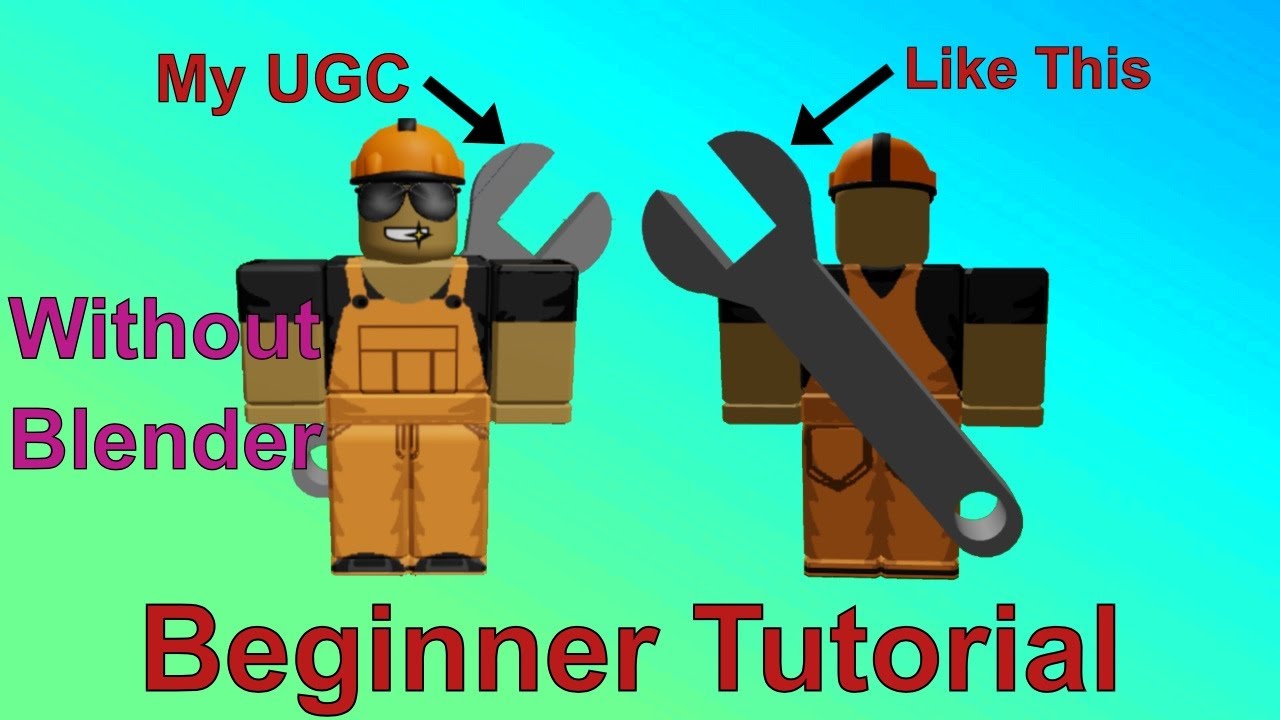


How To Make A Roblox UGC Item Without Blender YouTube . How To Make A Roblox UGC Item Beginner Tutorial YouTube . How To Make A UGC Top Hat For Roblox Beginners YouTube . How To Upload Publish UGC Items Accessories In Roblox Marketplace . How To Make A Roblox UGC Item Beginner Tutorial YouTube



How To Make A Roblox UGC Item Beginner Tutorial YouTube . FLEX UGC Codes 2026 FREE Roblox UGC Items 100 WORKING YouTube . How To Make A Roblox UGC Item Beginner Tutorial YouTube . How To MAKE ROBLOX UGC Full Tutorial 2024 YouTube . How To Make A UGC ITEM In ROBLOX Beginner YouTube



How To Texture A Roblox UGC Item YouTube . How To Upload UGC Item To Roblox 2026 Tutorial YouTube . Ugc Application Roblox User Generated Content LootLocker The Game . Ugc Application Roblox . Ugc Application Roblox


HOW TO MAKE OWN UGC ITEMS ON ROBLOX UPLOAD SELL IT YouTube . Roblox UGC Limited Codes March 2026 13 New Codes Available Roblox UGC Limited Codes . Want Freebies How To Get Codes For Roblox 2026 Flex Ugc Codes . Get Free Google UGC Items In Roblox Complete 2026 Guide Get Free Google UGC Items In Roblox . Ugc Application Roblox User Generated Content LootLocker The Game


Create Roblox Ugc And Upload Ugc For Marketplace Create Roblox Ugc And Upload Ugc For Marketplace . UGC Item Price Set To 9 223 372 036 854 776 000 Catalog Asset Bugs . EVERYONE Can Now Make A Roblox Ugc Accessory Game Custom Model UGC Img. Create Roblox Ugc Accessories By Iamchasee Fiverr Create Roblox Ugc Accessories . How To Make A Roblox UGC Item For COMPLETE BEGINNERS Make Robux


Make Roblox Ugc Items For You By Kamil Orembs Fiverr Make Roblox Ugc Items For You . How To Make A Roblox UGC Item Beginner Tutorial YouTube . How To Make Roblox UGC Designs Using Customuse Customuse Blog 3D Accessories . How To Make Money On Roblox 2026 Creator Guide How To Make Money On Roblox Creating And Selling Avatar Items.webp